
Document Type: Training Guide
Created by: Dario Garay
Date: April 29, 2025
This guide provides step-by-step instructions for creating Purchase Orders (POs) in SAP. The focus is on ensuring accurate vendor selection, SAP client access, and invoice alignment with internal accounting procedures.
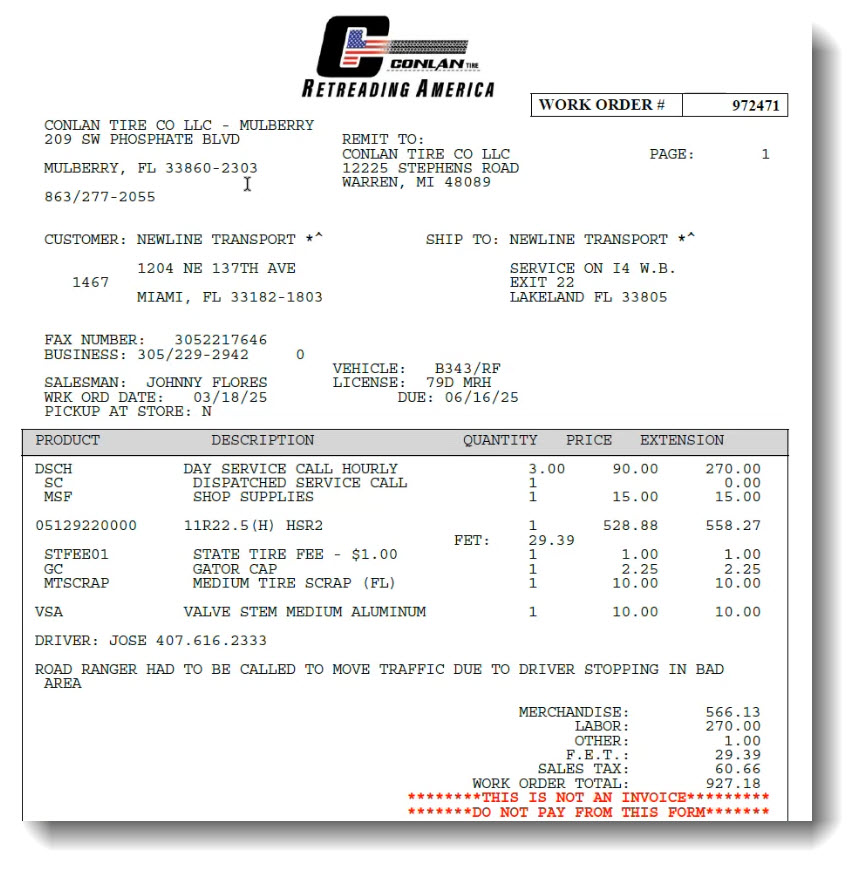
Figure 1: Sample Invoice - Continental vs. Conlan Tire
Use the approved vendor list to verify vendor numbers, names, cost center and GL accounts. You can request the list from:
If you're unable to access SAP (e.g., missing Production connection), contact the Help Desk to configure your client:
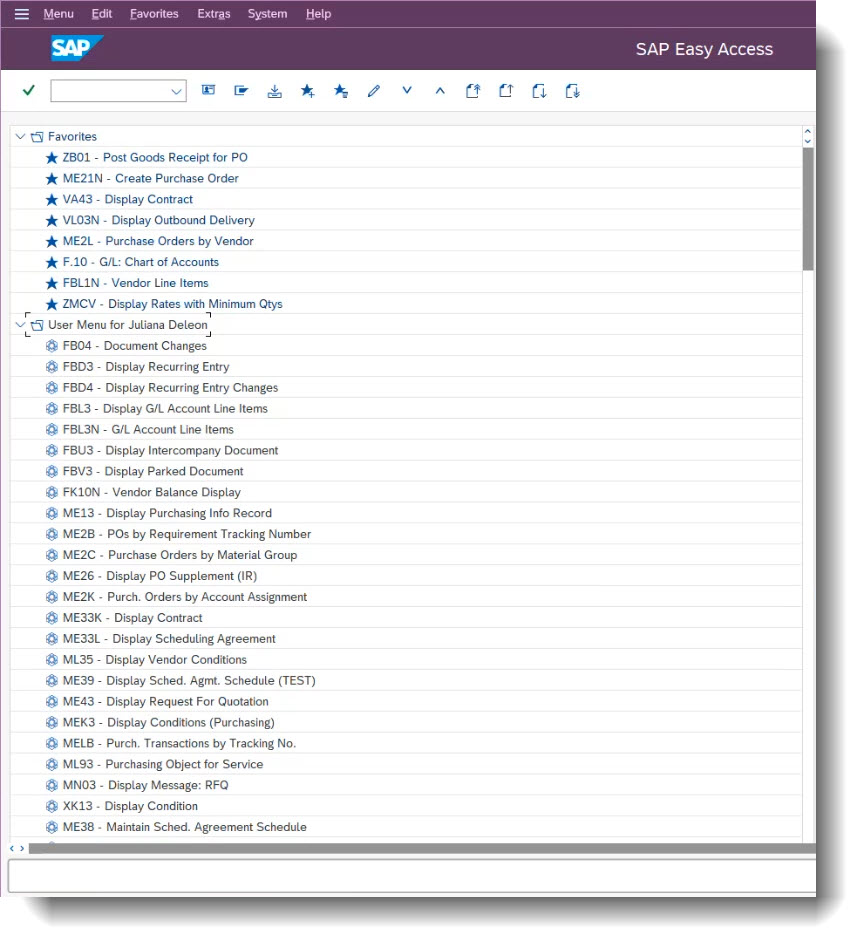
Figure 2: Correct SAP Client View When Configured Properly
If the vendor is not clearly identified in the order or invoice, always confirm:
Once access is confirmed and vendor info verified:

For additional support, open a case with the Transport Support Team.